
Most contractors manage jobs through a combination of text messages, phone calls, handwritten notes, and memory. It works until it doesn't. Until someone misses an update, a job gets double-booked, a client calls asking where the crew is, or hours logged at the end of the week don't match what actually happened.
IRONGRID replaces that patchwork with a single system. Every job has a work order. Every work order has the full picture: client info, scope, assigned crew, logged hours, photos, status, and history. Everyone on your team sees the same information, updated in real time, from any device.
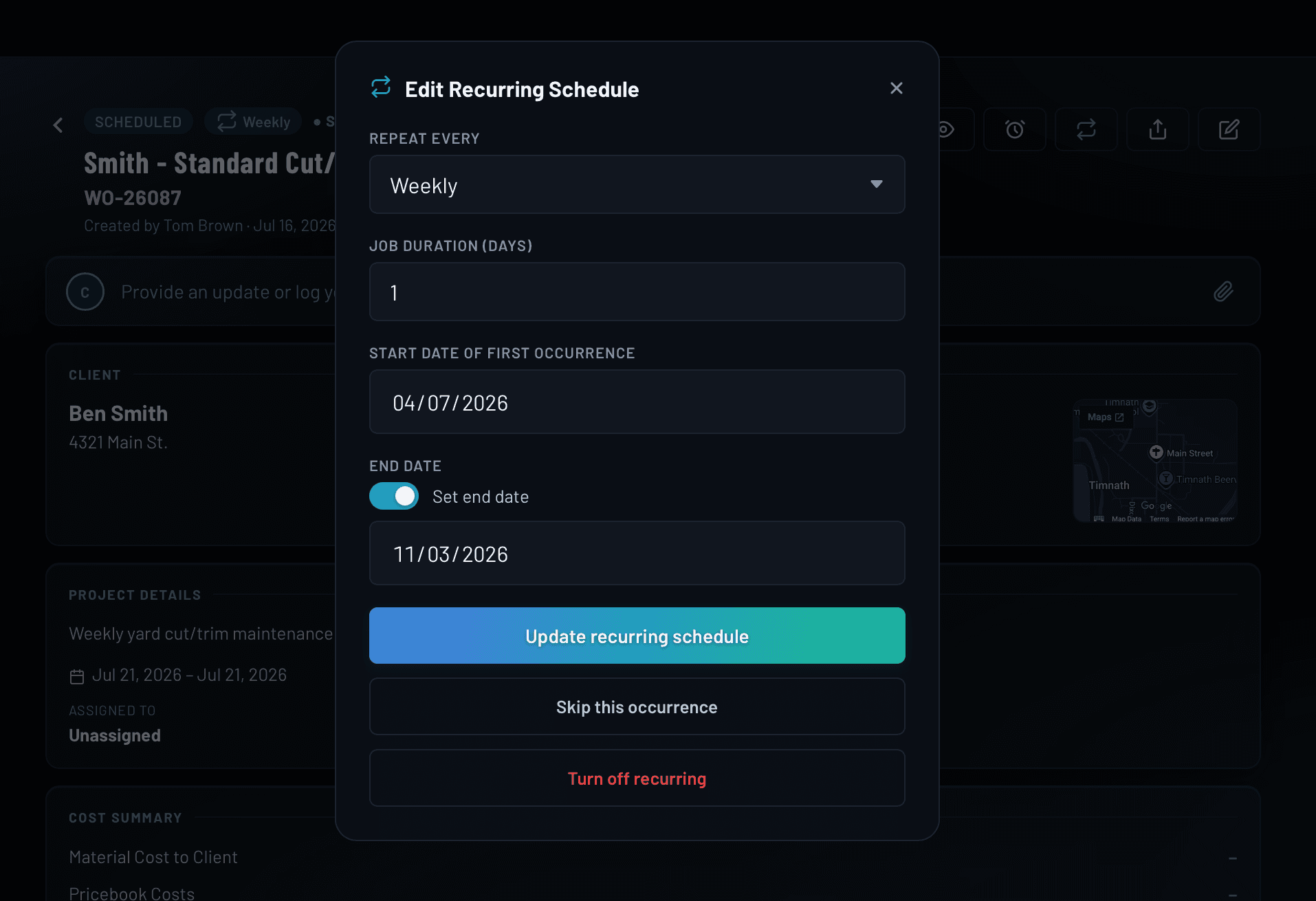
One central record for every job: client info, scope, and status
A work order in IRONGRID is more than a job ticket. It's the central record for everything about that job: the client's name, address, phone, and email. The full scope of work. Priority level. Estimated start and end dates. Every field you need to run the job is right there, accessible from the office or the field.
- Client name, address, and contact info attached at creation
- Scope of work field for full job descriptions
- Priority levels: Standard, High, Urgent
- Estimated start and end dates for scheduling clarity
- Status tracking from Open through In Progress to Complete
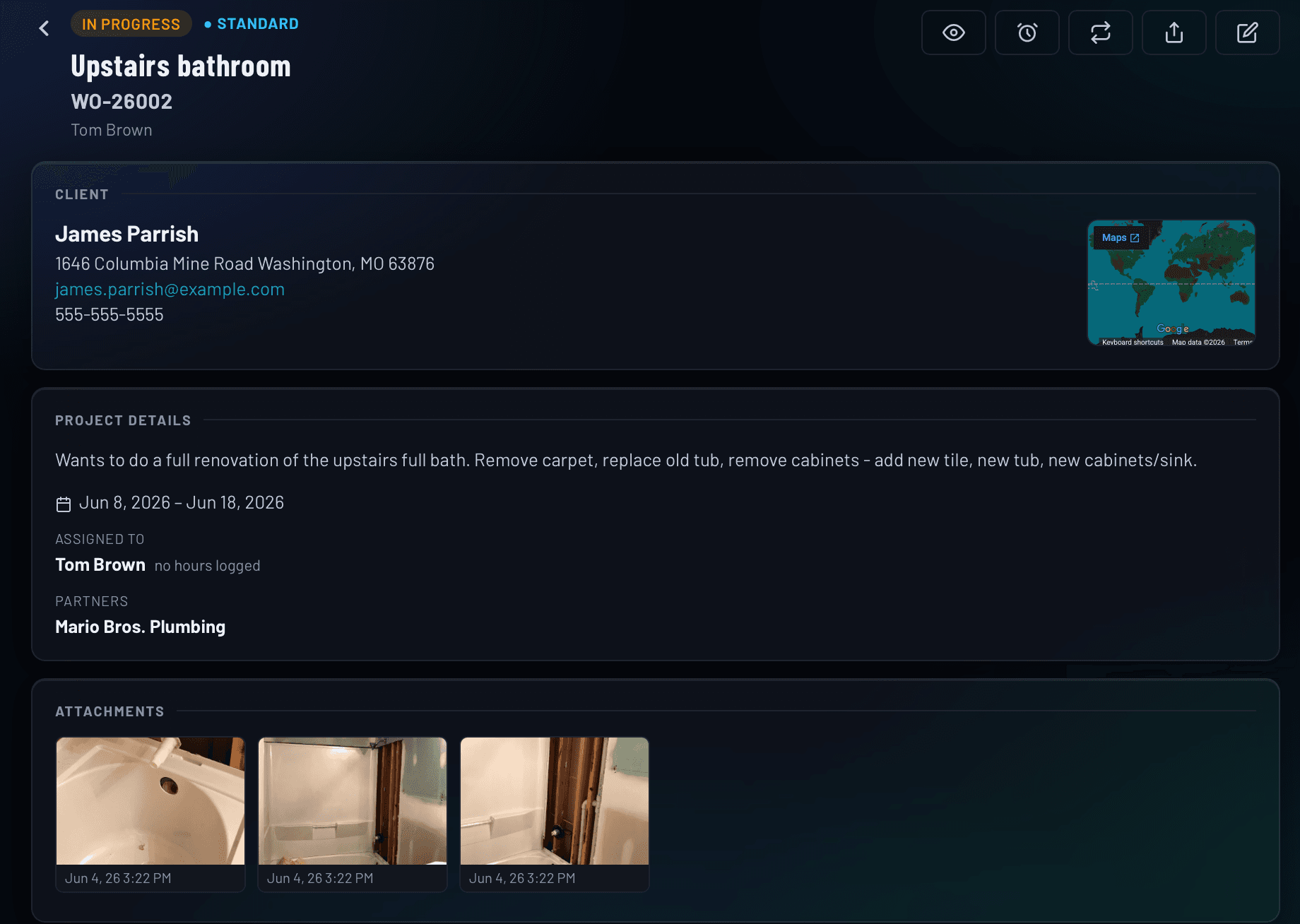
Assign crew members to any job, with instant notifications and individual time tracking
Stop relaying job details through text messages. When you assign a team member to a work order in IRONGRID, they're notified immediately and the job appears in their personal queue. Multiple people can be assigned to the same job, and each one logs their own hours separately. You always know who's on site and who did what.
- Assign multiple team members per work order
- Instant push and email notifications on assignment
- Employees see their assigned jobs the moment they log in
- Hours tracked per person, per job. Never pooled.
- Role-based access: Admin, Manager, Employee
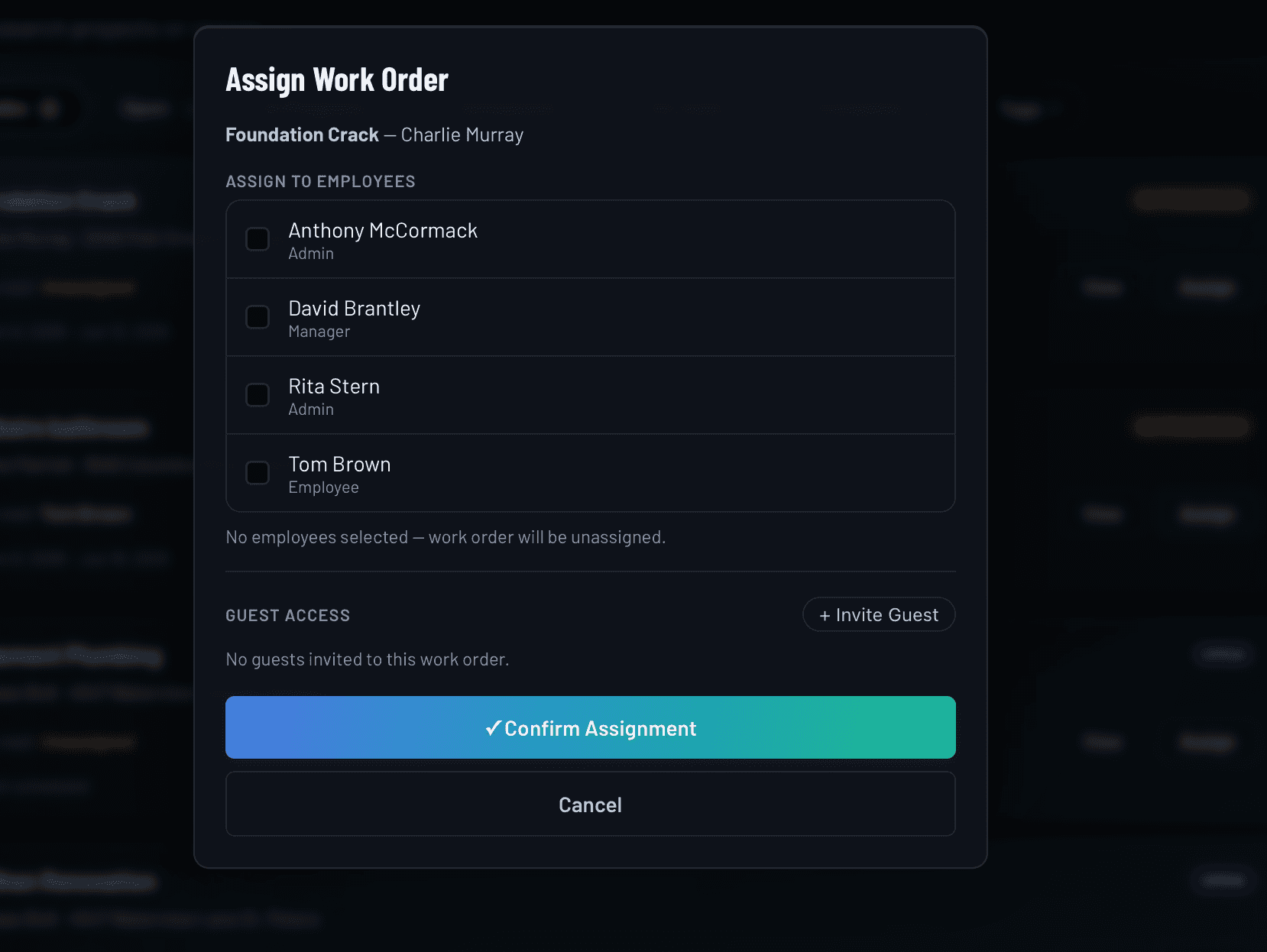
Real-time field updates: notes, photos, and hours logged from any device
Your team doesn't need to call you to give an update. From any work order, team members can post a note, log hours worked, and attach photos directly from their phone. Every update is timestamped and recorded in the activity log. You get a live picture of every job without leaving the office.
- Post notes and status updates directly from the field
- Log hours with each update, no separate timesheet needed
- Attach photos and documents to any work order
- Full activity log with timestamps and author names
- Internal updates visible only to your team
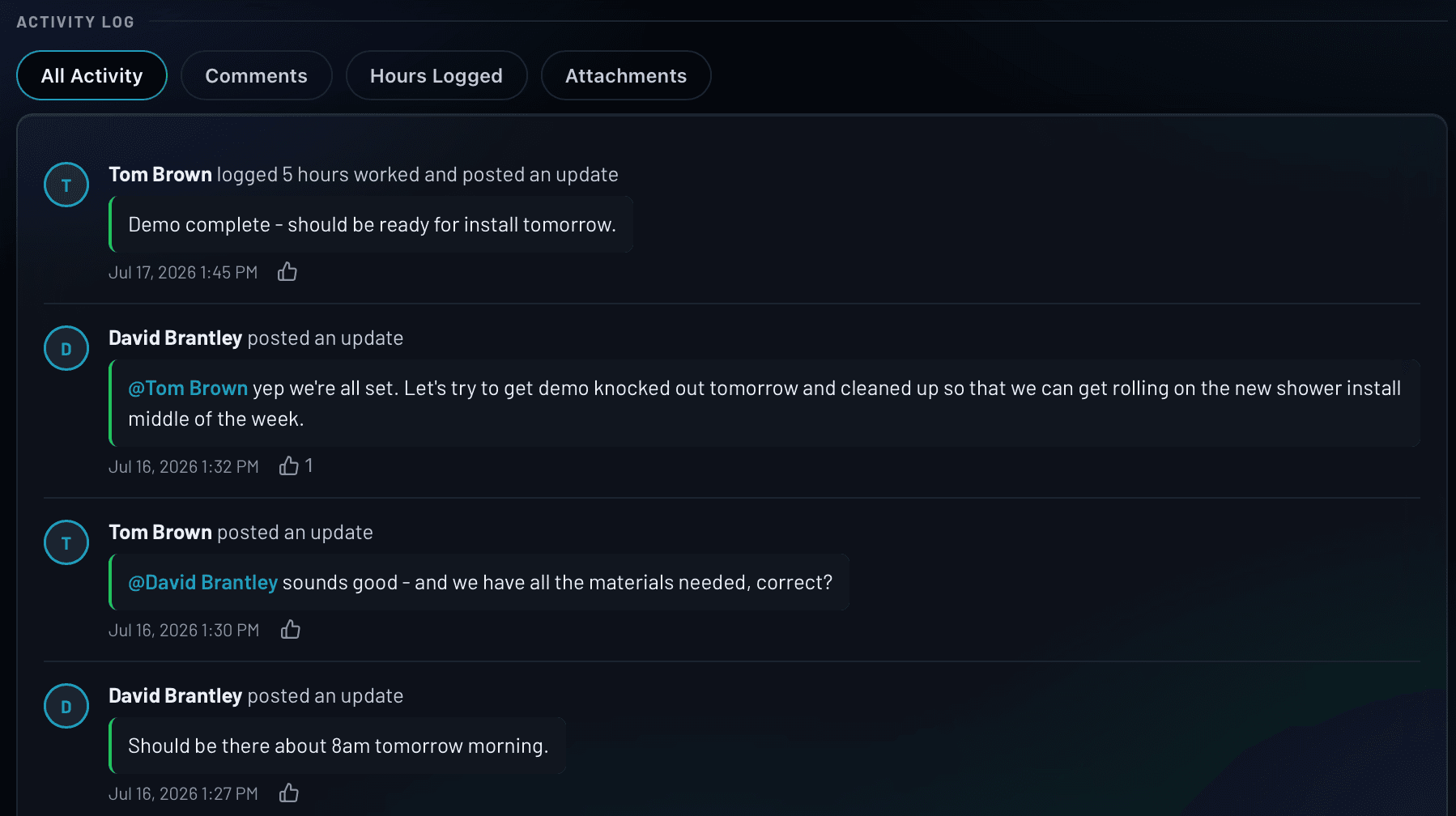
Recurring work order scheduling at weekly, monthly, or custom frequencies
Lawn care, pool maintenance, HVAC servicing, cleaning contracts: recurring work is the backbone of a predictable business. Set a work order to repeat at whatever frequency your contract requires and IRONGRID builds the schedule automatically. A rolling eight-week window of future jobs is always ready, and editing one occurrence or all future ones takes a single click.
- Frequencies: weekly, bi-weekly, monthly, quarterly, annually
- Choose a specific day of the month for monthly+ schedules
- Rolling schedule with eight weeks of future jobs always ready
- Edit just this occurrence or all future ones at once
- Skip a single occurrence without disrupting the series
Everything included in every work order
No add-ons. No extra modules. Every capability is available on every plan.
How a job runs in IRONGRID
From first contact to final invoice in four steps.
Frequently asked questions
What is work order management software?
Work order management software is a tool that replaces paper work orders, group texts, and spreadsheets as the central record for a job. It stores everything about a job in one place: the client, the scope, the assigned crew, logged hours, photos, and status. For field service contractors, the right software means every job has a clear paper trail, everyone on the team knows what they're doing, and nothing falls through the cracks between the field and the office.
How is IRONGRID different from managing jobs in a spreadsheet?
A spreadsheet is a static document. It can't notify your crew when a job is assigned, it can't log hours in real time, it can't attach field photos, and it can't generate an invoice when the job is done. IRONGRID is a live system. When you create or update a work order, your team sees it immediately. When they log hours or post an update from the field, you see it immediately. A spreadsheet tells you what you planned. IRONGRID tells you what's actually happening.
Can I assign multiple team members to the same work order?
Yes. You can assign as many team members as the job requires. Each assigned member can log their own hours separately, post their own updates, and see the full job detail. Hours are tracked per person, so you always know exactly who worked what and for how long.
How do recurring work orders work in IRONGRID?
When you mark a work order as recurring, IRONGRID creates a rolling schedule of future occurrences automatically. You choose the frequency (weekly, bi-weekly, monthly, quarterly, or annually) and the system manages the rest. If you need to make a change, you can update just one instance or all future occurrences at once. You never have to manually duplicate a recurring job.
Can my crew access work orders from their phones?
Yes. IRONGRID is a progressive web app that works on any device with a browser: iPhone, Android, tablet, or desktop. Team members in the field can view their assigned jobs, post updates, log hours, and attach photos from their phone without downloading anything from an app store.
What happens to the work order when a job is complete?
When a work order is marked complete, it moves into your closed job history and stays fully searchable. All activity, hours, attachments, and notes are preserved. If the job was invoiced through IRONGRID, the invoice is linked directly to the work order. You have a complete record of the job: what was done, who did it, how long it took, and what was charged.
Run every job with a system behind it
Try the IRONGRID Pro tier free for 14 days. Unlimited team members on every plan.